Data Generator — Synthetic ERP Exports (Dirty-by-Design)
This project includes a data generator that creates realistic-looking procurement exports without using any real organizational data.
It produces two files that simulate what an auditor typically receives from an ERP system:
- Vendor Master (CSV) — the “source of truth” list of approved vendors
- Invoices Export (Excel) — a messy operational extract that may contain compliance issues
The generator is intentionally dirty-by-design so the audit engine has something meaningful to detect.
What gets created
Outputs
| File | Path | What it represents |
|---|---|---|
| Vendor Master | data/raw_erp_dump/vendor_master.csv |
Approved vendors (trusted reference) |
| Invoices Export | data/raw_erp_dump/invoices.xlsx |
Operational invoices dump (untrusted input) |
Open the generated files (your published docs copies)
These links assume the files are available under your published docs (recommended).
- Vendor Master: vendor_master.csv
- Invoices Export: invoices.xlsx
How to run it
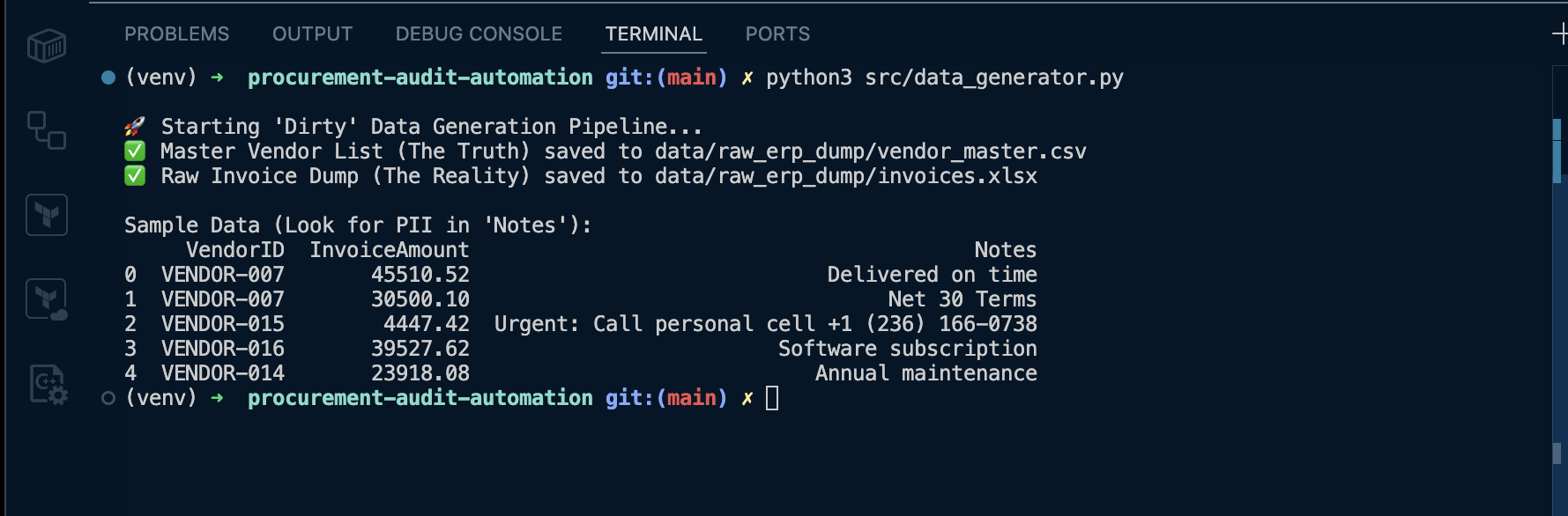
python src/data_generator.py
Expected terminal output:
- confirms both files were created
- prints a small sample of invoice rows (so you can immediately see seeded issues)
Why this exists (real-world reason)
Audit tooling fails in demos when the dataset is too clean. In real procurement exports:
- vendor IDs don’t always match the master list
- purchase order data can be inconsistent
- staff write free-text notes that can accidentally contain personal information
This generator makes sure the dashboard and evidence exports always have realistic findings to show.
What issues are intentionally seeded
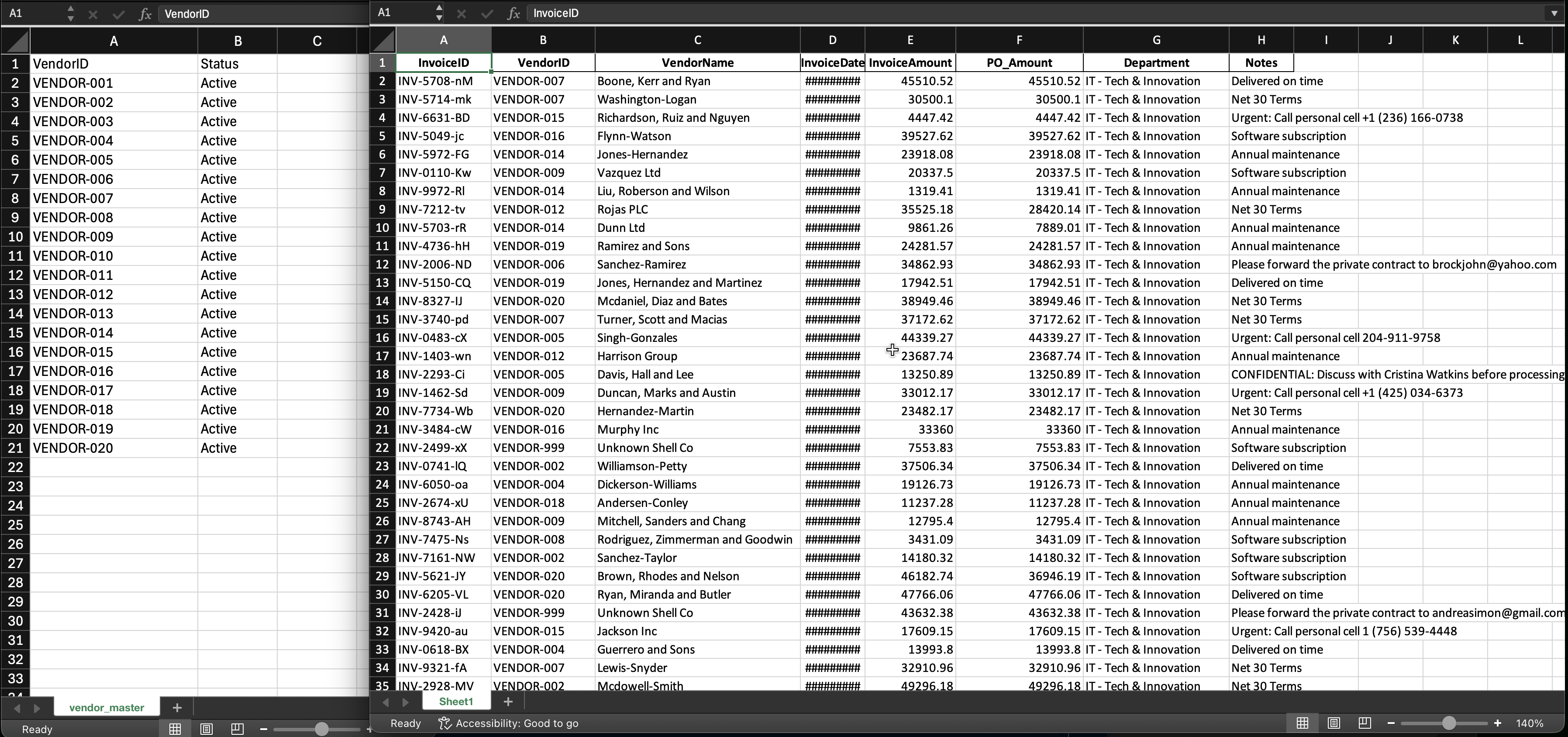
1) Ghost Vendors (anti-join violations)
Invoices include vendor IDs that do not exist in the Vendor Master.
Why this matters:
- indicates potential fraud / shell vendor entries
- can also indicate ETL mapping issues (VendorID drift)
What the audit engine should detect:
- invoices where
VendorID ∉ vendor_master.VendorID
Evidence output produced later:
data/audit_reports/ghost_vendors_20260201_124647.csv
Published evidence copy (recommended):
Screenshot proof:
2) PO Variance Breaches (variance math)
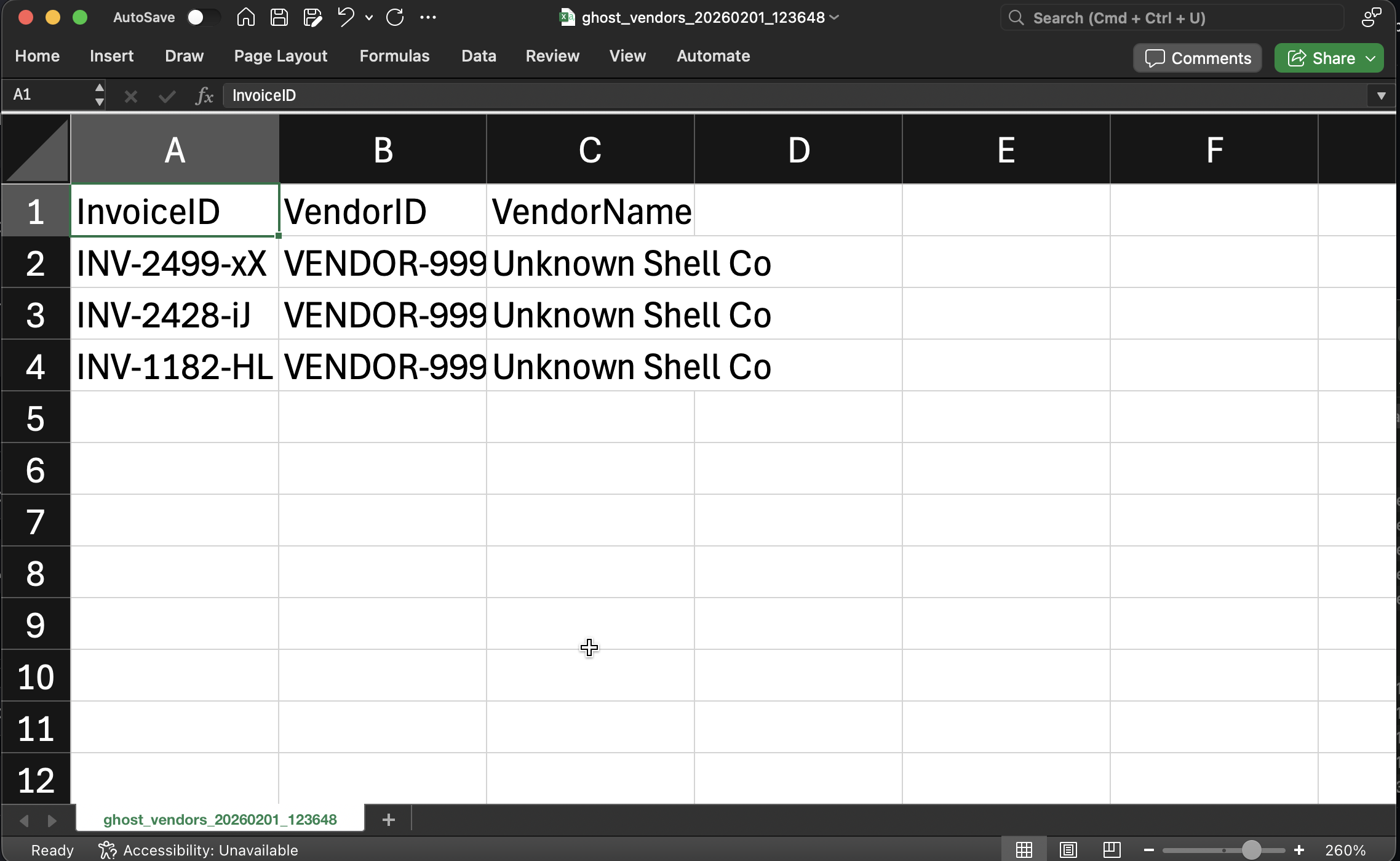
Some invoices are generated with invoice totals that differ materially from the PO amount.
Variance formula used by the engine:
variance = abs(invoice_amount - po_amount) / po_amount
Why this matters:
- price creep, scope changes, or approval bypass
- classic “audit flag” for procurement governance
Evidence output produced later:
data/audit_reports/po_variance_20260201_124647.csv
Published evidence copy (recommended):
Screenshot proof:
3 High-Value Invoices (threshold-based monitoring)
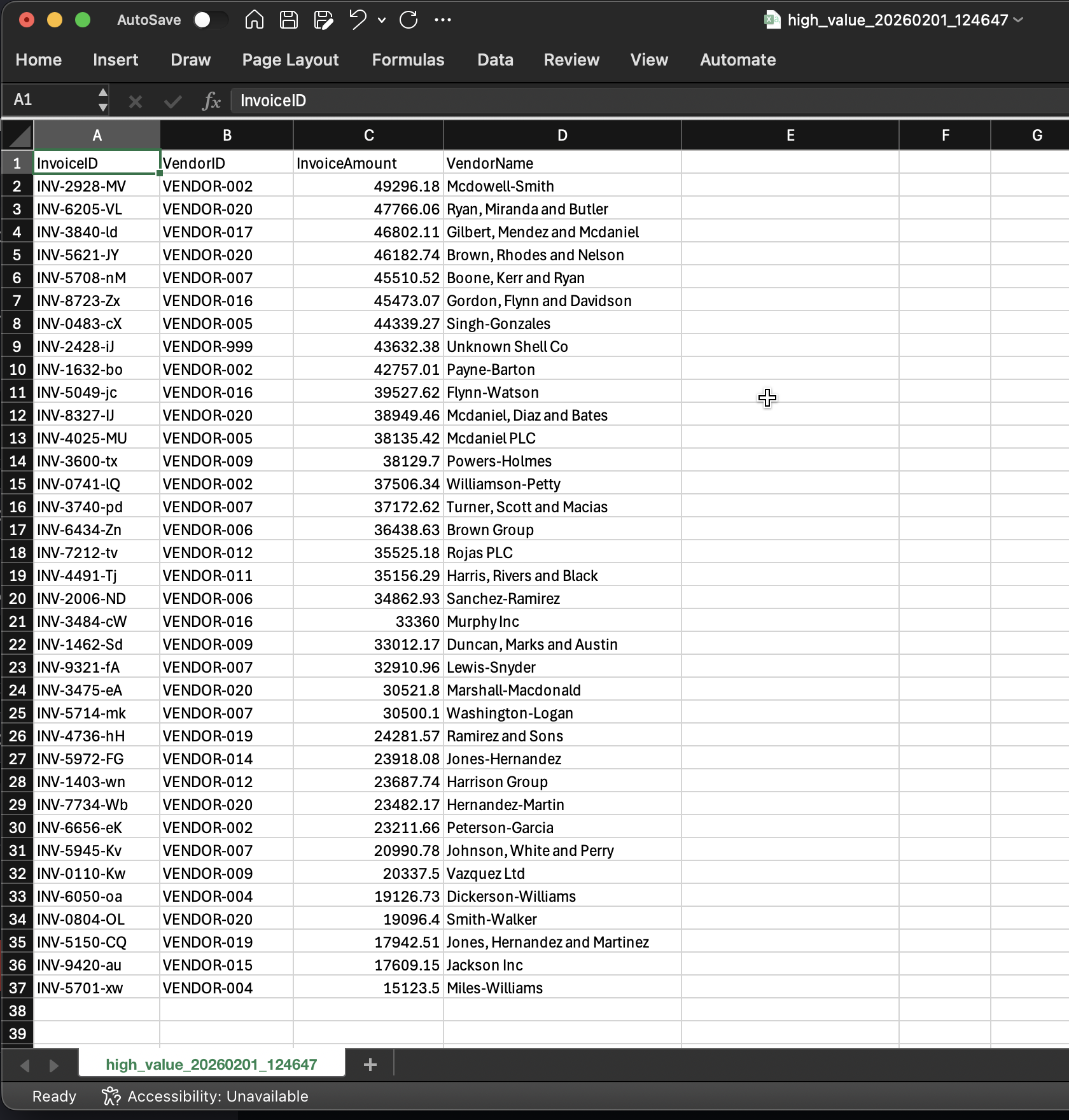
A portion of invoices are generated above a configurable high-value threshold.
Why this matters:
- many organizations require additional approval or review above set dollar amounts
- enables dashboards to prioritize review queues
Evidence output produced later:
data/audit_reports/high_value_20260201_125633.csv(from dashboard export)
Published evidence copy (recommended):
Screenshot proof:
4 FOIP/PII risks embedded in Notes (unstructured text)
The Notes field is where “human messiness” lives:
- casual references to people
- email addresses
- phone numbers
- sensitive phrases (e.g., “confidential”)
Why this matters:
- free-text fields are the #1 place privacy risks leak into reporting exports
- this is exactly what FOIP-style reviews care about: accidental disclosure through operational text
Evidence output produced later:
data/audit_reports/foip_ai_findings_20260131_224156.csv
Published evidence copy (recommended):
FOIP evidence capture (video):
Video capture checklist
-
Run:
python src/data_generator.py -
Open:
data/raw_erp_dump/vendor_master.csvdata/raw_erp_dump/invoices.xlsx
-
Briefly scroll to show:
- Vendor IDs in master
-
Invoice rows containing:
- a ghost vendor ID (e.g., VENDOR-999)
- variance between InvoiceAmount and PO_Amount
- a Notes row with PII-like content
Clip A (your capture):